Blogging has been one of the most fun side hustles I took on and one of the best decisions I have ever made. I started this blog back in April 2017 and really didn’t get most of it going until May 2017. I don’t make as much as other bloggers as my blog is not even a year old, but I just reached $1000 a month of income from this blog. That doesn’t sound too bad to me!
It took me about 9 months to finally get to that $1000 threshold of monthly blog income. However, great things can come from dedication and patience.
Now let’s talk about WordPress and and how you can self host your own WordPress blog.
I first got acquainted with WordPress at the beginning of my career in web development. I have quite a bit of experience working with WordPress custom development and plugin development. A large number of web design and development firms use WordPress to create their websites. They take advantage of the content management system that WordPress is, and yield it’s ability for customization to make some stunning projects. I quickly realized the potential a blog can have with self hosted WordPress so have never thought twice about switching to anything else.
Which one is better?
However, for a majority of beginner bloggers beg the question of what to use to host their blog. It can be a tough one if you do not do your research. I see bloggers on a number of threads and forums lately, confused about how to choose between the free WordPress.com option and the self hosted WordPress.org option. It is always a matter of what you want to get out of your blogging experience.
Plan it out and ask yourself these questions. Is this a personal blog or a professional blog? How far do you want the functionality and user experience to go for your readers? Are you expecting to monetize your blog?
The best choice to go with is the self hosted WordPress.org option for the blog that you want to create. This way you own your own data and are in full control of your blog.
Here is my step-by-step guide to setting up a self hosted WordPress blog.
In this guide I will include hosting options and pricing for Bluehost AND GoDaddy.
Get a host.
A web host is where your website exists. You 100% own your blog if you host it. Nothing in life is ever free though, remember that. I have included the hosting plan options for Bluehost and GoDaddy.
BlueHost offers 3 seperate types of hosting package options including Basic, Plus and Prime. The hosting packages at BlueHost do appear cheaper than GoDaddy but keep in mind that your overall hosting costs may add up to be higher once you complete purchasing everything required such as storage, security, privacy, etc. It all depends on the type of blog you have in your vision and how you want to utilize that blog.
If you sign up for Bluehost with my link you get a free domain, free site builders, free 1-click WordPress install, 24/7 support and all for only $2.95 a month! You really can’t beat that deal.
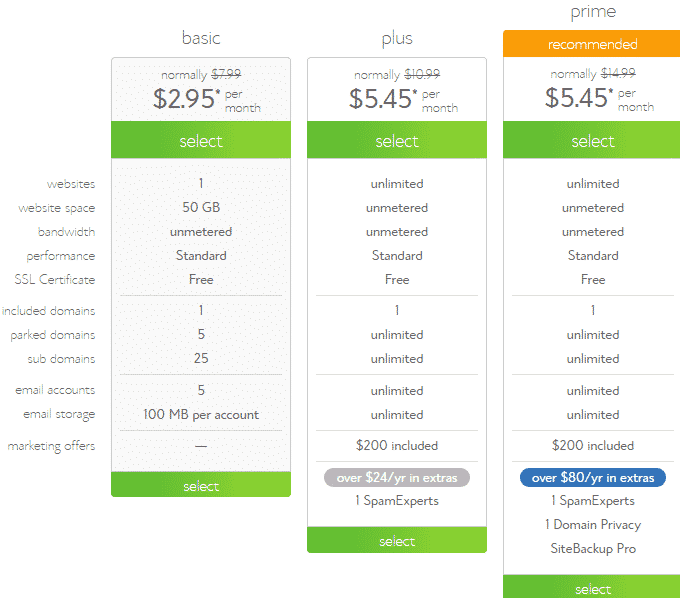
GoDaddy has 3 levels of hosting including Basic, Deluxe and Ultimate. Each level covers more hosting services than the last. As you can see, GoDaddy will end up being a bit pricier than Bluehost.

Choose and register a domain.
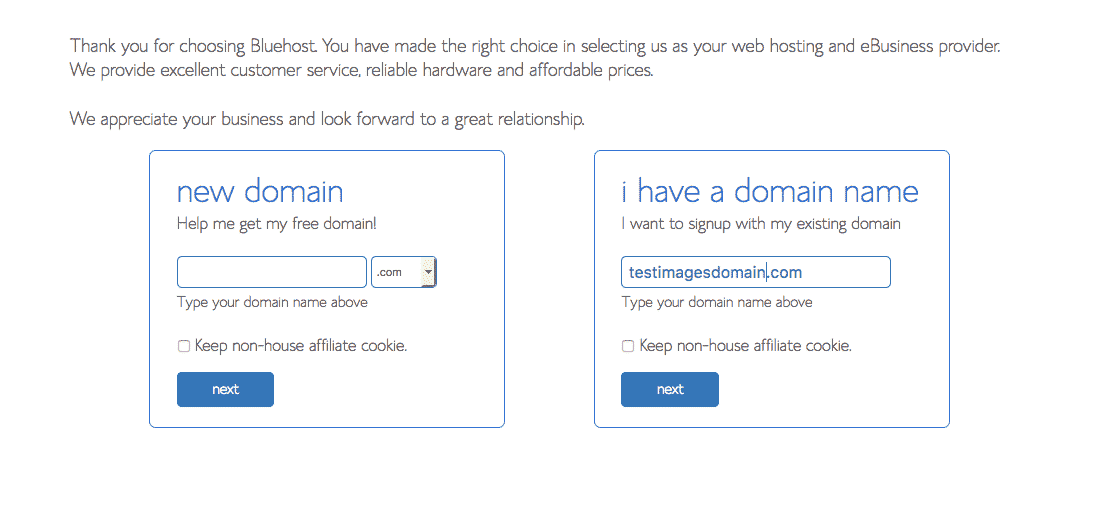
Most hosting companies will offer your first domain for free with whatever hosting package you purchase. There is one thing I know for sure, and that is you can definitely get a free domain with Bluehost! With your newly purchased hosting, you will host your new domain. Make sure you chose as simple as a domain name that you can think of and that is available. Long domain names can be a turn off sometimes. iliketodabble.com sounds better than iliketodabbleinitall.com.
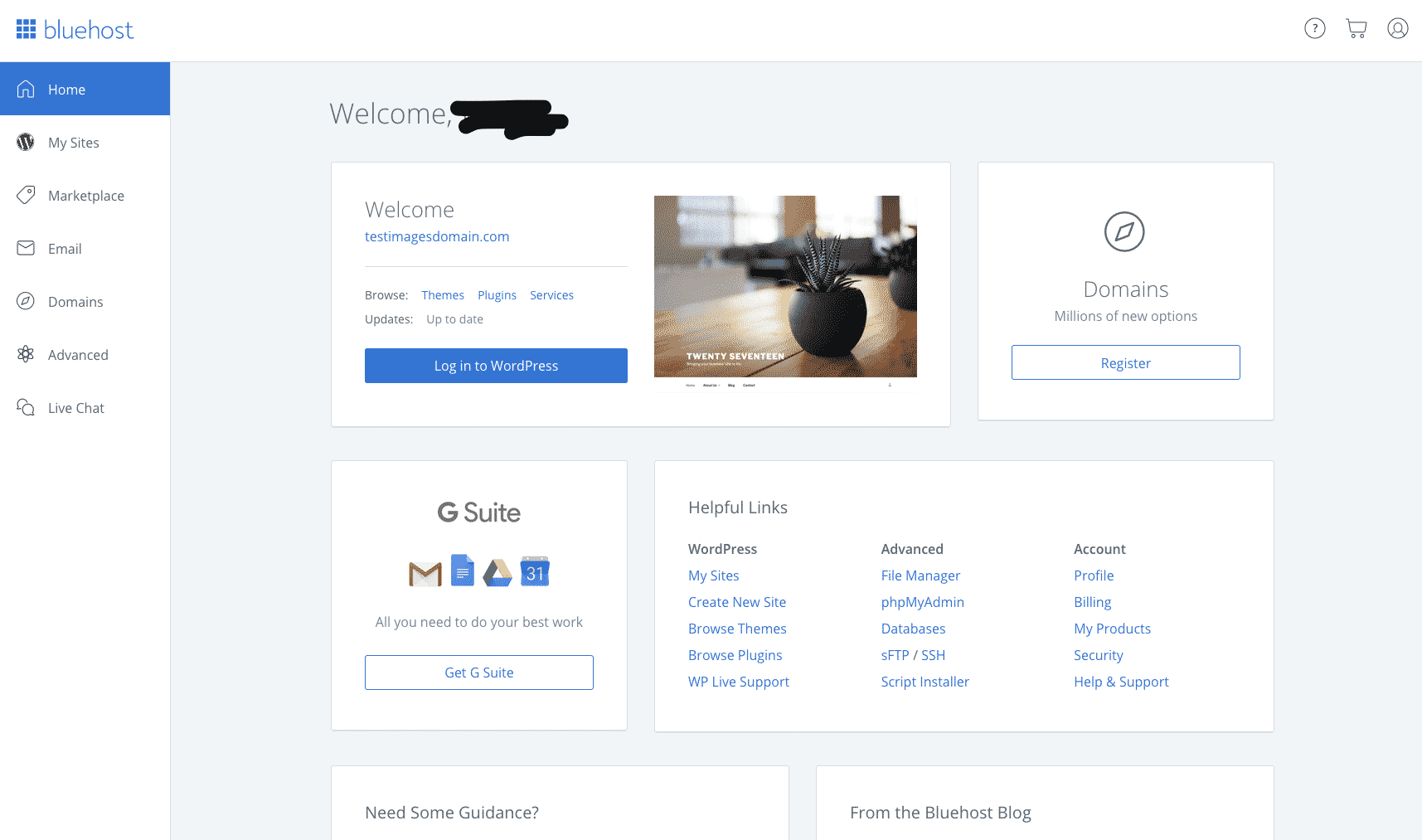
Manage your site, domain and hosting all in one interface!
Install WordPress.
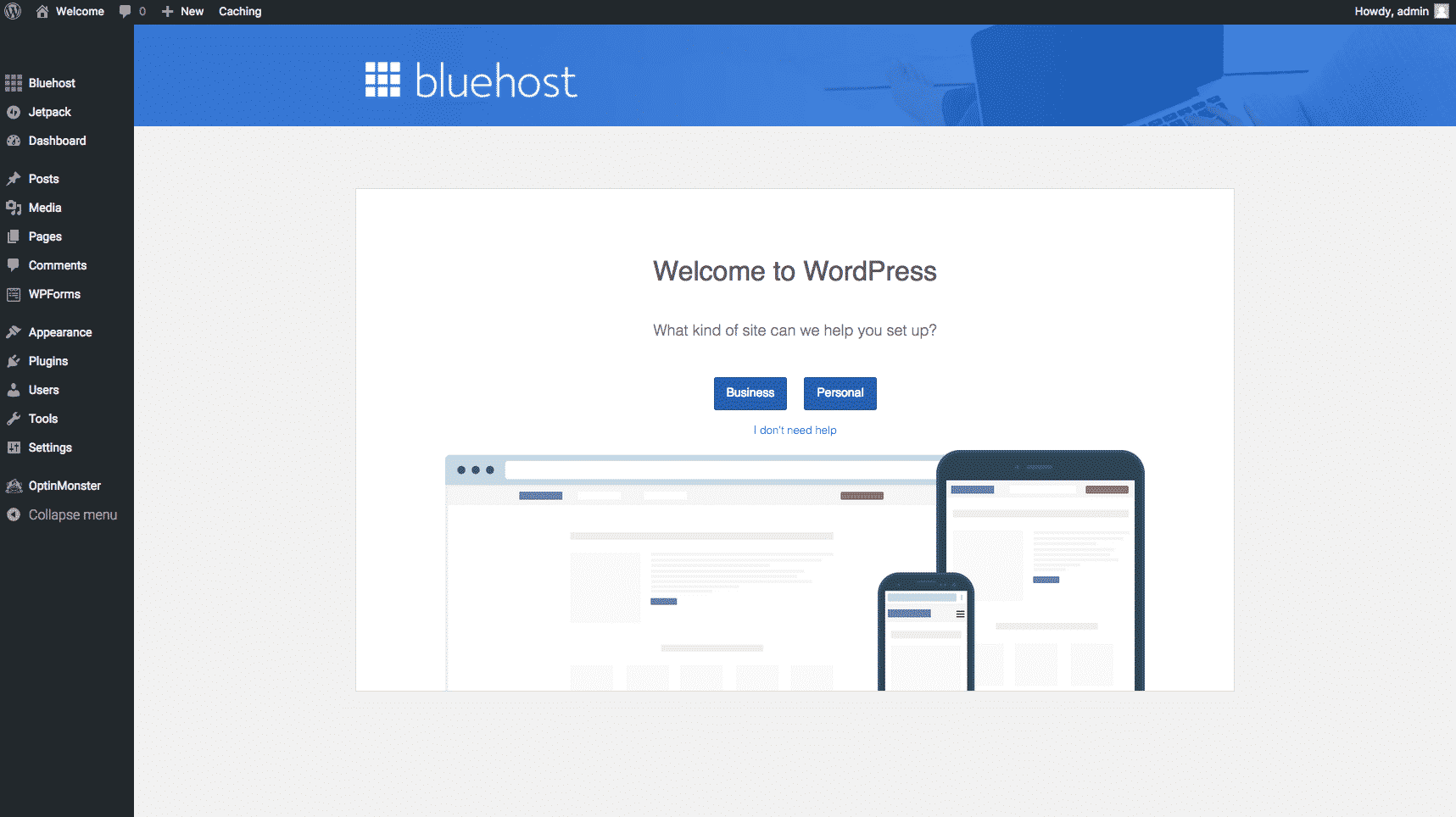
Blue Host will prompt you to install WordPress shortly after confirming the purchase of your hosting and your domain. Most hosting providers have the hosting you purchased tailored to running a website powered by WordPress and the installation is free. Once your domain is ready to be set up, the hosting provider will let you know and prompt you for installing WordPress. Then you just follow the prompts. The prompts are easy to follow along with and if you run into trouble, you can use the 24/7 hosting support or contact me for a Virtual Assistance service charge.
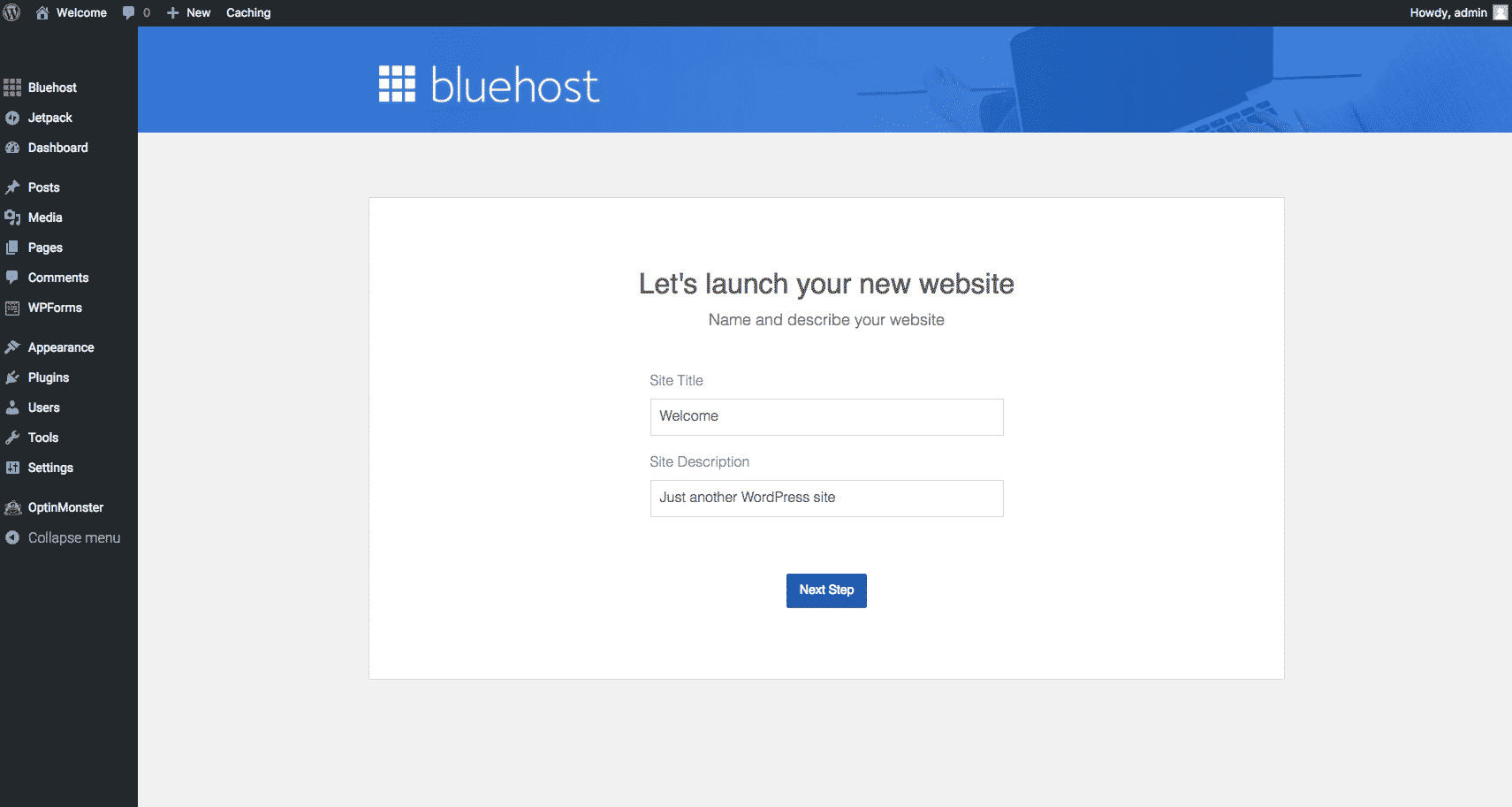
Choose a theme.
Once you start to set up your WordPress blog’s look and feel, you need a theme to work with. With WordPress installed, you get access to a wide variety of blog designs called themes. In WordPress on the left-hand side of the screen you will see a sidebar of options. Select ‘Appearance’, then select ‘Themes’ to view and search through all of the free themes from the WordPress feed of available themes.
Bluehost has one of the easiest to use and intuitive WordPress theme pickers in my opinion. Pick the theme that is most appropriate for your vision or brand, create till your hearts content and easily manage it all in one place!
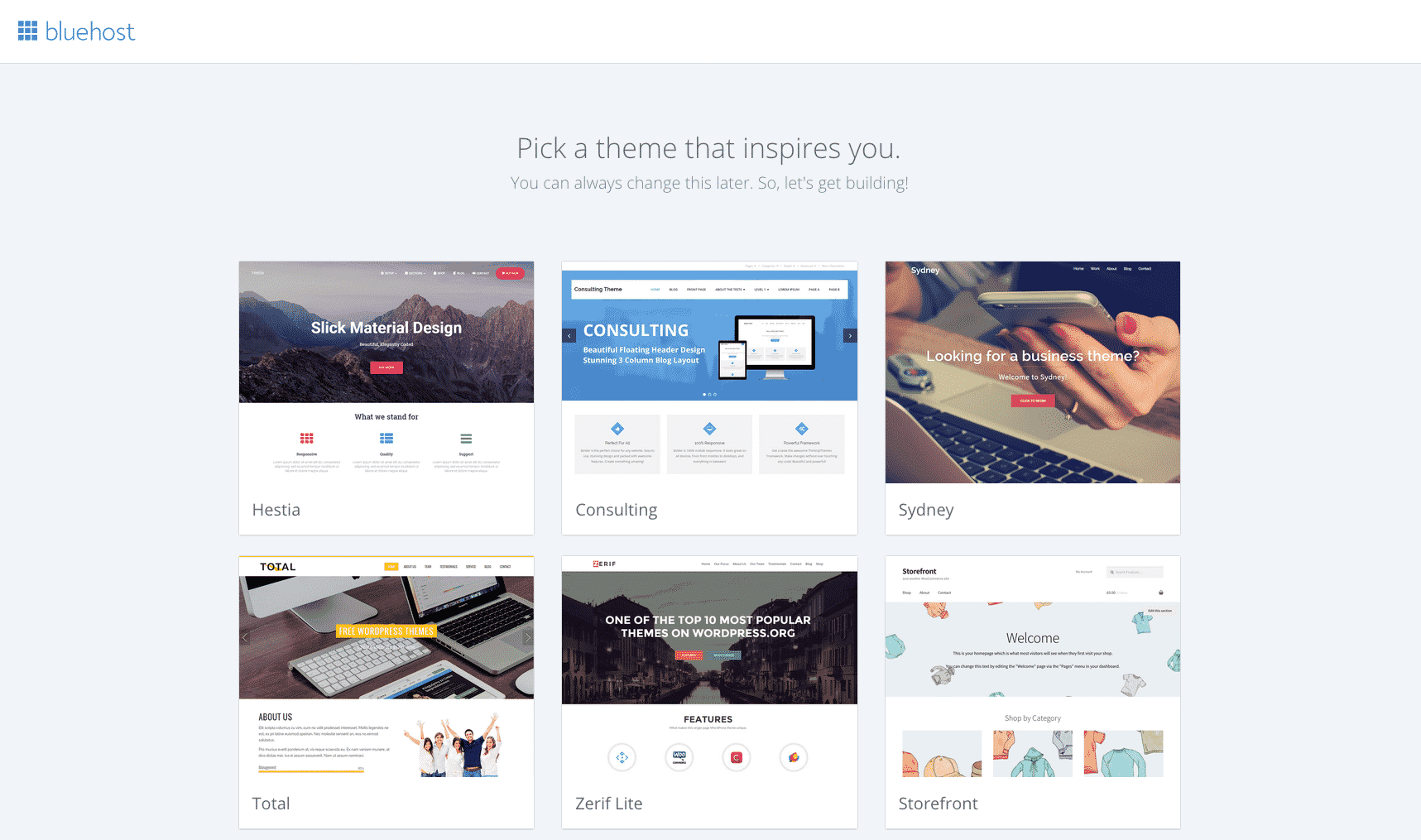
You can purchase premium themes for additional cost from sites such as Elegant Themes or iThemes. They have tons of affordable premium themes that include site optimization. An optimized site is important if you want a fast and efficient site. User’s don’t stick around for a slow site, after all!
Log in.
Enter the URL for your blog’s dashboard will prompt you to login if you are not already logged in or if you don’t set your browser to save login information. The URL of your dashboard will be website.com/wp-admin 9 times out of 10.
Stop right there. You need to be careful with this one. It is VERY important to keep your site secure for both yourself and your visitors. Read this before moving on: How To Secure Your WordPress Blog From Hackers.
Start blogging.
Once logged in, click ‘Posts’ on the left-hand sidebar, and then select ‘Add New’ to create a blog post. Write a title and create some content for your new blog, maybe an introductory post about your blog’s purpose or ‘niche’.
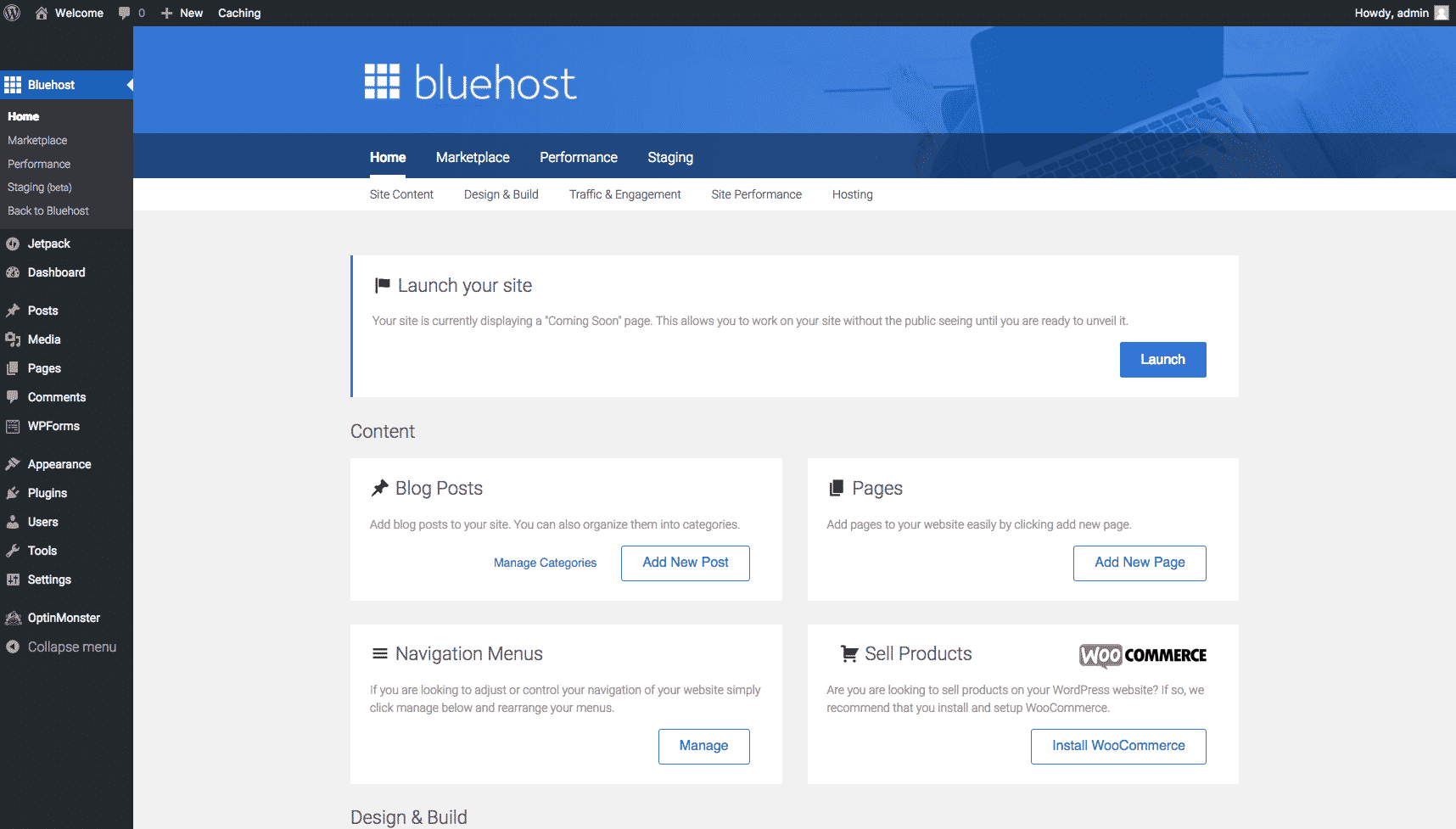
Select ‘Pages’ and then ‘Add New’ to create an About page to give your readers some information about you, your background and your vision. From there the potential of where you can go and what you can do with your blog is endless!
Make money blogging!
You really can make money blogging. I am not joking! Starting a blog has been a great way for me to make extra money online without ever leaving the comfort of my home. That is something I thought I would never say. Check out my free guide to make money blogging from day 1!
Ads aren’t the only way you can make money blogging. You need to diversify your income portfolio to maximize your profits, something that is actually quite easy once you get your blog going. You can also write sponsored posts or create products to sell such as e-books, courses or services.
Comments